
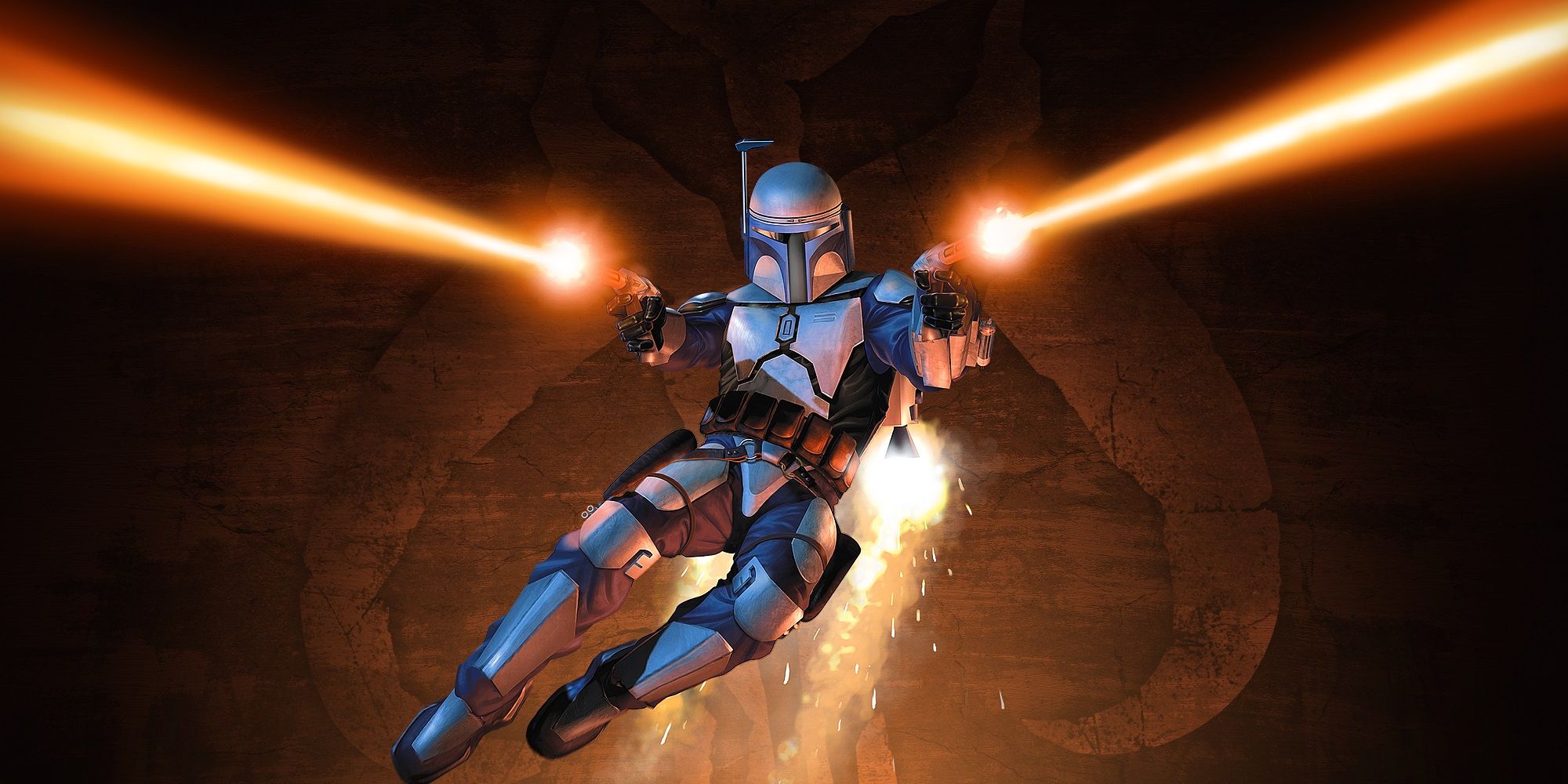
Today we show you How to fix the Star Wars Bounty Hunter error at launch.
With its 2024 remaster, Star Wars: Bounty Hunter has now finally made its way back, presenting a far more refined experience on PC and all current consoles. Hitting the ground running from that original PS2 masterpiece, this game introduces striking visuals, refined controls, and overall performance enhancements. While generally quite positive in nature, it does seem to crash some players at launch. Let's take a look at some possible fixes for this.
How to Fix Star Wars: Bounty Hunter Crash at Launch
While the title is generally stable, some players playing Star Wars: Bounty Hunter reported sudden crashes that hamper gameplay. If you happen to be one of those annoyed players, well, there are a few possible solutions. Common problems like outdated drivers, compatibility conflicts, and technical glitches can easily be resolved, bringing back stability to your Bounty Hunter experience.
Disable GOG Overlay
If you're crashing while playing Star Wars: Bounty Hunter purchased from GOG, turning off the GOG Overlay might fix the problem. Players experiencing this problem have been helped out by this workaround.
The steps to turn off the overlay for the Star Wars: Bounty Hunter game are as follows:
Right-click on Star Wars: Bounty Hunter in your GOG library.
Select "Manage Installation," then "Configure."
Uncheck the "Overlay" option in the "FEATURES" tab.
Switch to Dedicated GPU (Laptop Users)
Since Star Wars: Bounty Hunter is not very graphically demanding, your laptop might automatically run on a less powerful integrated GPU to save power. This could cause the game to poorly run, especially with gameplay in higher settings. It's thus very important to force the game to run using your dedicated NVIDIA GPU.
Here's how to do this:
1. Open the NVIDIA Control Panel.
2. Under "3D Settings," select "Manage 3D Settings."
3. Select "Program Settings."
Add Star Wars Bounty Hunter to the list of customizable programs.
Using the drop-down menu, select "High-performance NVIDIA processor" as the preferred graphics processor for this program.
Save your changes.
Verify Game Files
If Star Wars Bounty Hunter crashes on startup, this could be due to corrupted or missing game files. Fortunately, you can verify the integrity of your game files no matter where you purchased your copy.
Here's how to check it in Steam:
Open your Steam library.
Right-click Star Wars: Bounty Hunter and select "Properties."
Click the "Installed Files" tab, then "Verify integrity of game files."
Generic Troubleshooting
As well as this specific troubleshooting above, take the following general steps that may fix your problem:
Update essential software: Make sure to run with the latest versions of DirectX, Visual C++ Redistributables, and graphics card drivers available for download from NVIDIA, AMD, or Intel.
Keep Windows updated: The latest updates may patch some incompatibility issues with Windows.
At this point, the above steps should have successfully resolved any crashing issue in Star Wars: Bounty Hunter. To take a further look at the game, check on the Star Wars: Bounty Hunter section.

To learn how to find and rescue the special robot 3 in Astro's game room here is a guide that will help you.

If you are wondering how to level up quickly in Sword of Convallaria, here is a complete guide with the best answer.
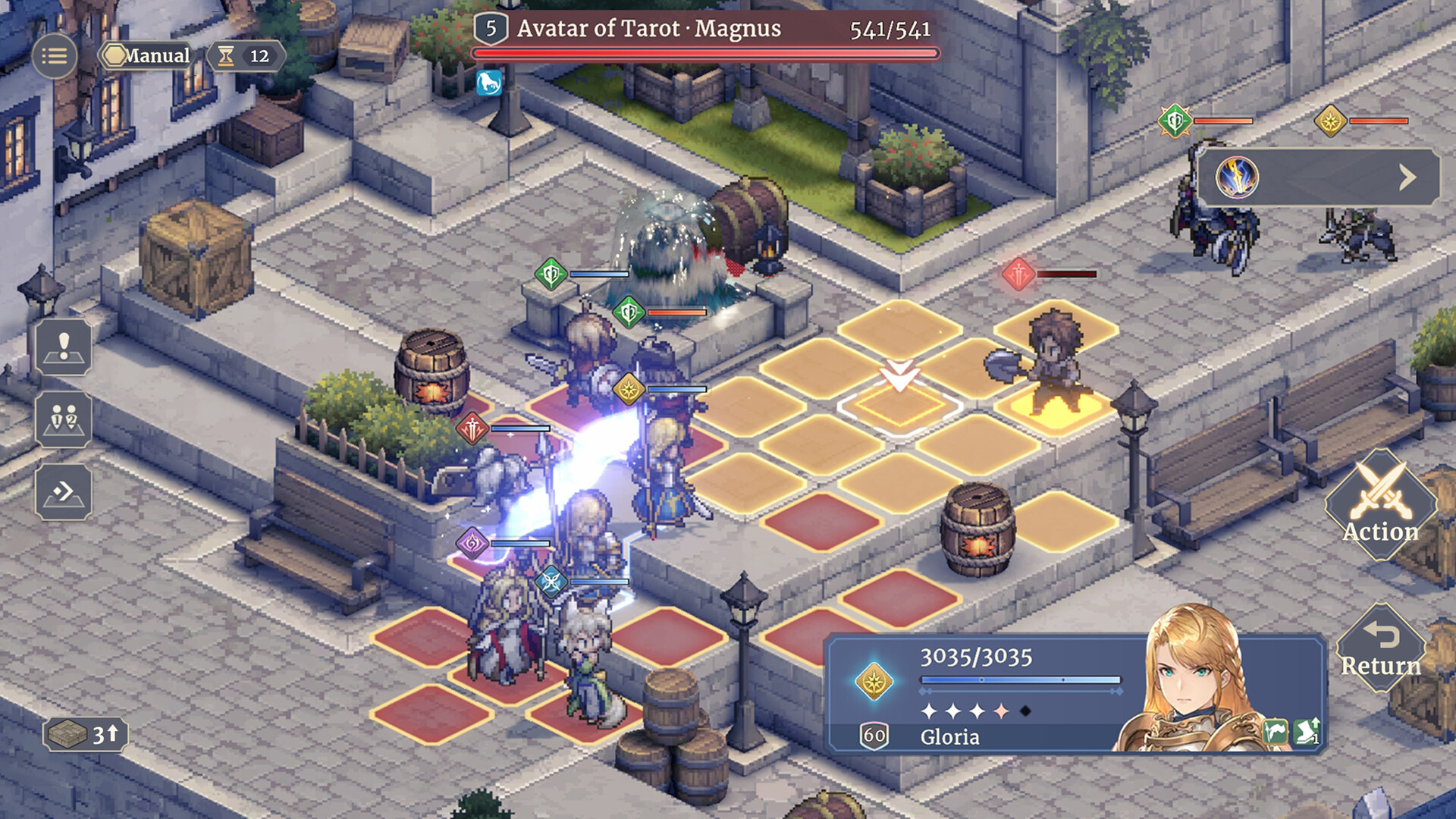
Here we show you step by step How to level up characters in Sword of Convallaria.

Today in our article we show you How to complete the mission A Century in the Making in Palia

Secret Staycation is an awesome game in Roblox that provides players of any age with great thrills of adventure inside a mysterious house.

Secret Staycation is a rather interesting game on Roblox where players, regardless of age, can explore a mysteriously strange house.

If you don't know where to fish mutated anglerfish in Palia, here is a guide that will help you.
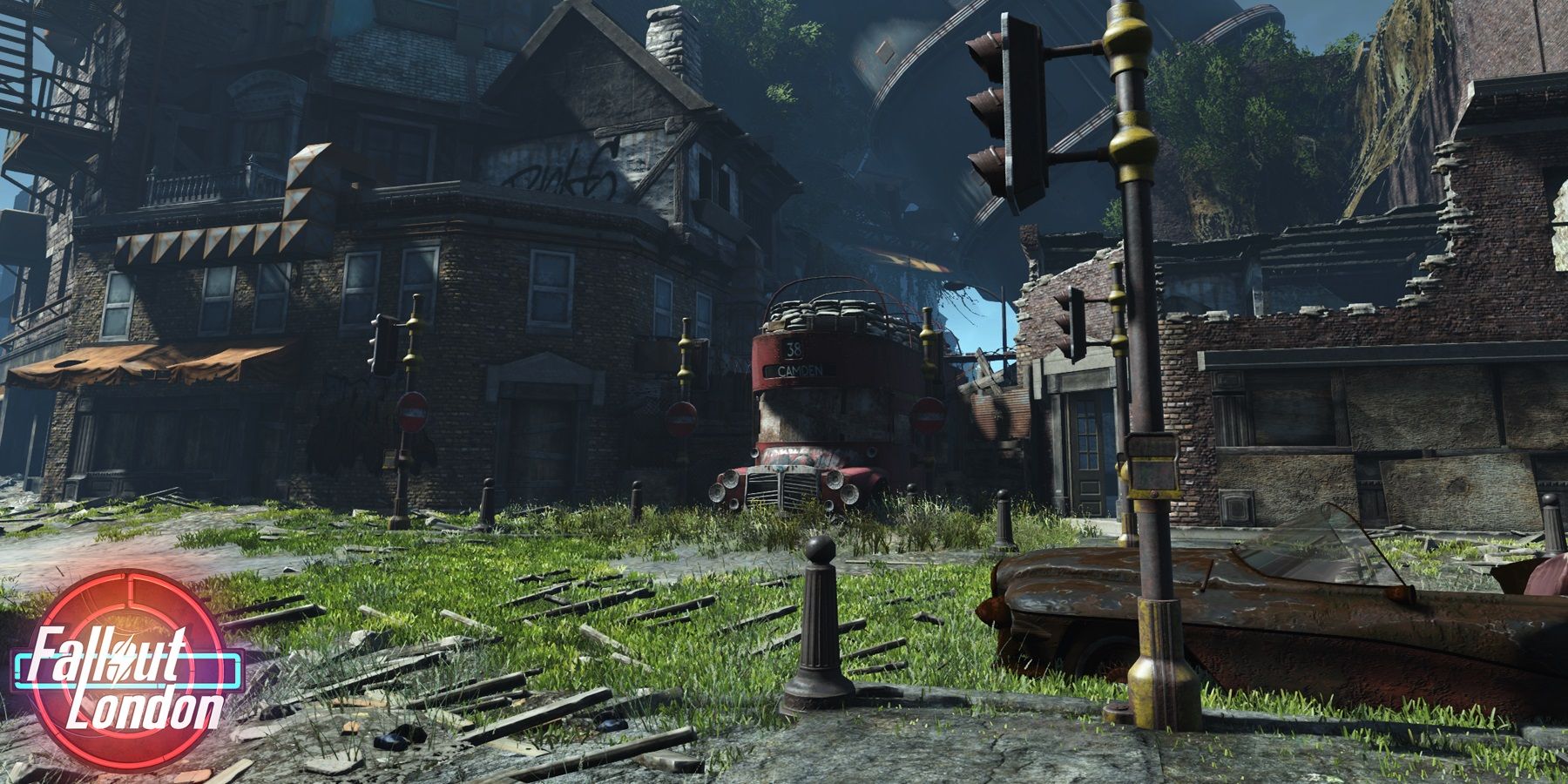
The darkness of Fallout London does not let one explore. This page explains how to brighten one's view and find the torch.