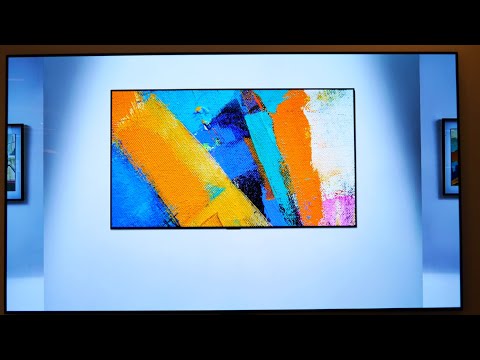
video lg How to change the name of your LG OLED TV Advert 2021 • Customise your LG OLED TV by changing the device name ✍️
To do this:
⚙️ Press the Settings button on your remote and then go to All Settings - General
👉 From here select the devices tab and navigate across to TV - TV Information
✅ Select the Device Name tab, where you can rename it to anything of your choice
For any more info, head across to: https://www.lg.com/uk/support
Notes for LG How to change the name of your LG OLED TV
Abancommercials invites you to enjoy the latest video LG advert, titled "How to change the name of your LG OLED TV",
this announcement made in 2021, and was published in this portal on 2021-11-10, totally open to the public
and does not require subscriptions, It is to emphasize that all the rights of this video are property of LG
therefore its content is protected by the copyright, The objective of Abancommercials is that the public
enjoy of the preferred ads and to be a database where the public enjoys Of advertisements that the brands
make to promote their products and services, if you want to enjoy other LG adverts click here, or if you
want to see
other adverts related you can click here, At the moment we do not have more information of the Which
we show in this description so if you want to know information about the name of the actor, actress, model or name of the song that appears in
this 2021 LG Commercial, must Contact directly with the brand.
It is possible that the title: "How to change the name of your LG OLED TV" is not the official of this spot, because in occasions the original titles must be enriched, so that
name reflects the content of the video or information of the promotion