
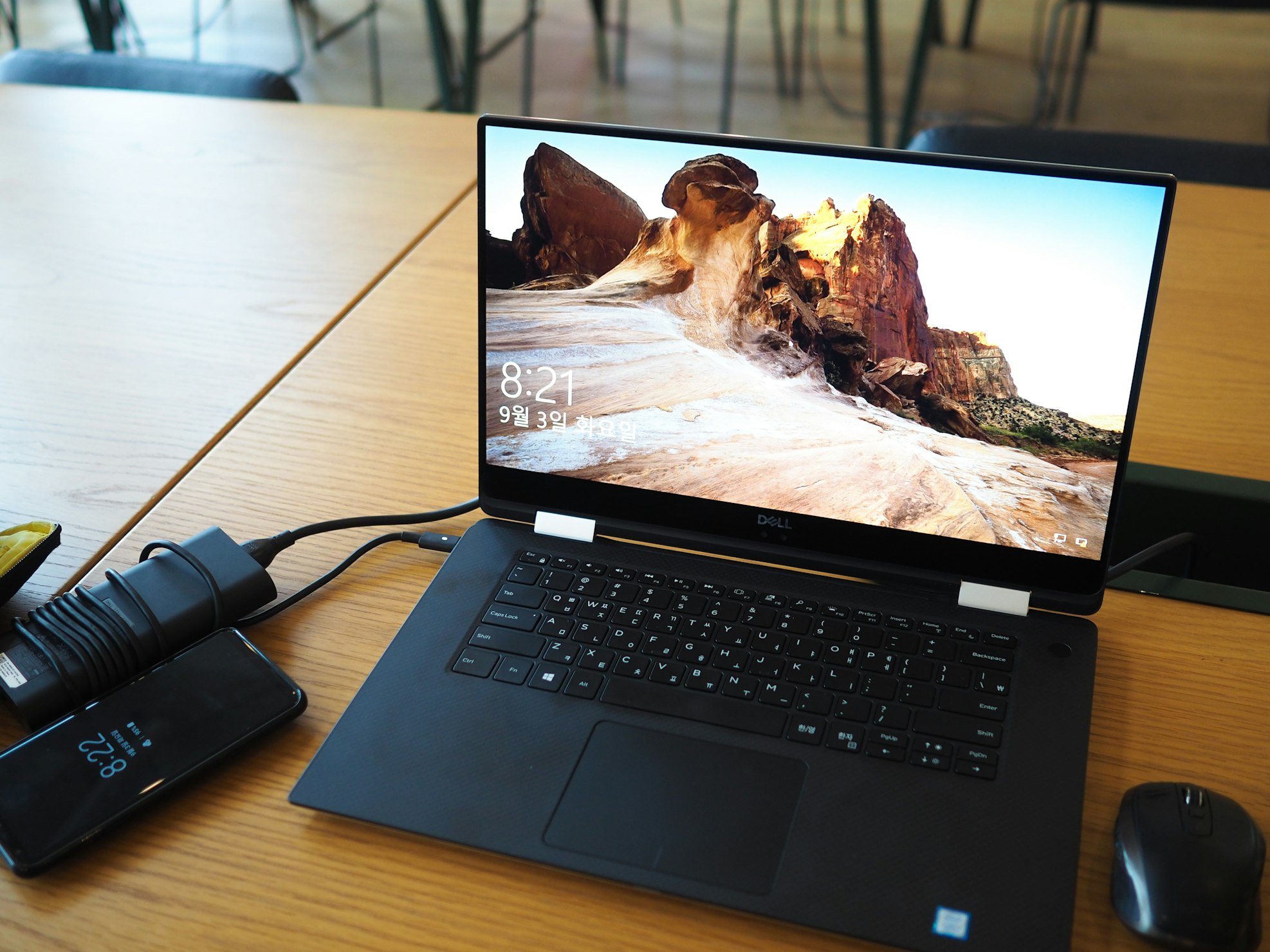
Be very careful if you want to learn How to fix the mobile hotspot connected but without Internet in Windows 11, which we cover in detail for you.
Windows users have been reporting that the WiFi on their PCs has stopped working, however, you can still use a mobile hotspot on our smartphone. But in case you are connected to the mobile hotspot and there is no internet, just read on.
Here's a breakdown of how to fix the issue of mobile hotspot connected but no internet on Windows 11:
Basic Checks:
- Mobile Data: Ensure your mobile phone has active data and a strong signal. If your phone doesn't have internet access, your PC won't either through the hotspot.
Troubleshooting Steps:
- Restart Devices: Restart both your Windows PC and your phone. This can often resolve temporary glitches.
- Network Troubleshooter: Run the Network and Internet troubleshooter on your PC. It can automatically detect and fix common connectivity issues.
- VPN: Disable any VPN connections on both your PC and phone, as they might interfere with the hotspot connection.
- Network Adapter: Update or reinstall the network adapter driver on your PC. Outdated drivers can cause connectivity problems.
- Reset TCP/IP: Reset TCP/IP, flush DNS cache, and reset Windows sockets using Command Prompt commands. This can clear any corrupted network settings.
- Network Reset: Reset the network settings on your PC as a last resort. This will erase all network configurations, so make sure you have any necessary settings noted down before proceeding.
Additional Tips:
- Forget Network: Forget the Wi-Fi network on your PC and reconnect to the hotspot.
- Edit Hotspot Settings: Try editing the hotspot settings on your phone (change network name/password) and reconnect on your PC.
- Check Compatibility: Ensure your phone's hotspot and your PC's Wi-Fi adapter are compatible.
- Contact Carrier: If none of these solutions work, contact your mobile carrier for further assistance, as the issue might be related to their network.
- By following these steps systematically, you should be able to identify and fix the reason why your Windows 11 PC has no internet access despite being connected to a mobile hotspot. Remember to start with the basic checks and proceed to more advanced troubleshooting steps if necessary.
"
Now that we have reached the end of this guide on How to Fix Mobile Hotspot Connected but No Internet in Windows 11 and we hope we have been very helpful for you to fix this problem quickly.
Discover how to effectively use Gemini Code Assist in Windows 11 to enhance your coding experience
Learn how to rebuild the Boot Configuration Data (BCD) file in Windows 11 with our step-by-step.
Fix persistent drive errors in Windows 11 after rebooting. Discover effective solutions to troubleshoot and repair your system for optimal performance.

If you are a PC user and you are wondering How to fix You cannot increase the speed or frequency of the RAM, you are in the right place, because here we will tell you how to fix it.

Finalmente ya sabemos cómo solucionar el ID de evento 1796: falló la actualización de arranque seguro y ahora que hemos llegado al final, te recomendamos prestar mucha atención.

We have noticed that many users have been wondering How to Fix Windows PC Running Slow After Rebooting, so we have prepared this article for you.
Pay close attention to this guide on How to Fix Windows Update Error 0x800b0110, because we will be covering everything you need to know.
Keep reading so you can learn How to use AMD Software Adrenalin Edition in Windows 11, because here we cover everything you need to know.
To learn how to fix GIFs that don't work in Teams, here is a complete article.

If you want to know how to fix the iCloud calendar that does not sync in Outlook, here is a step-by-step guide.

How to fix a Windows PC that won't boot after a new CPU? If you have this problem, today we bring you the best solution in a complete article.