
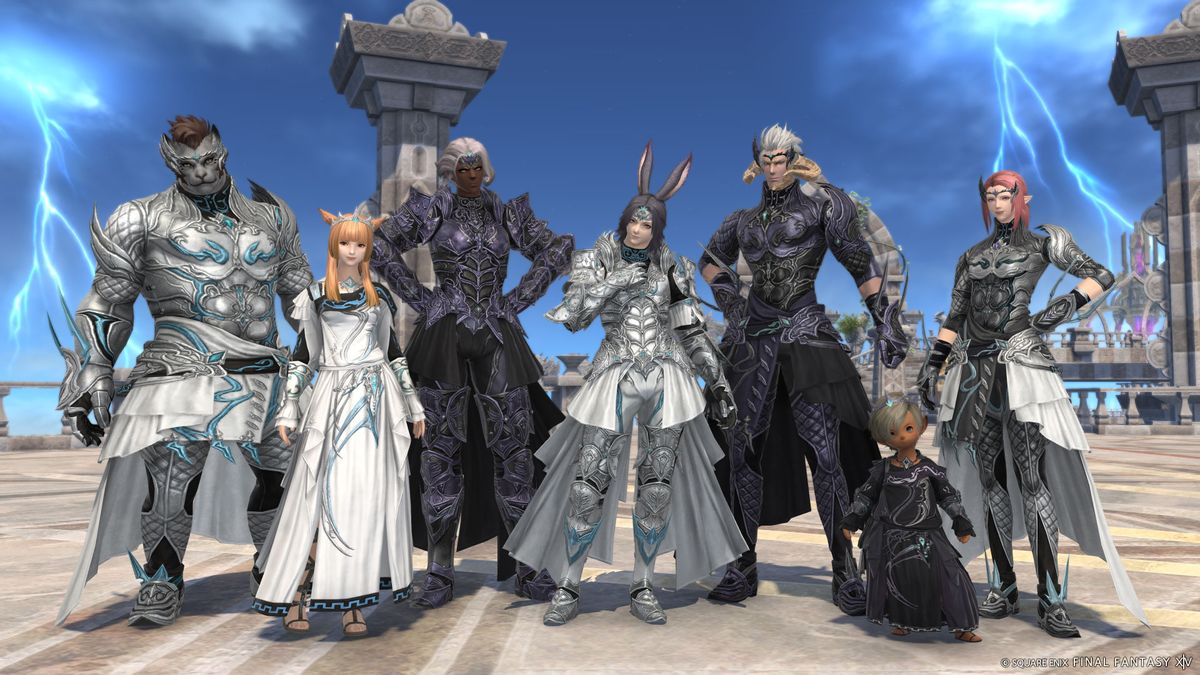
Now in How to fix Final Fantasy XIV Online login on Xbox Struggling with Final Fantasy XIV Online login issues on Xbox? Discover effective solutions to fix login problems and get back to your gaming adventure.
Welcome, Final Fantasy fans! Are you experiencing login issues while attempting to play Final Fantasy XIV Online on Xbox? Fear not, as we're here to assist you. In this detailed guide, we'll take you through troubleshooting steps to fix common login problems and offer valuable tips to ensure a seamless gaming experience.
How to fix Final Fantasy XIV Online login on Xbox
1. Error Message: User ID or Password Incorrect
One of the common issues players encounter is receiving an error message indicating that their user ID or password is incorrect. This can be a frustrating setback, but there are steps you can take to address it:
Firstly, attempt to log in again, ensuring that you enter the correct credentials. It's easy to make a mistake, so double-check your user ID and password.
If the issue persists despite entering the correct information, consider resetting your password following the instructions provided by Square Enix. This may involve verifying your email address and creating a new password to regain access to your account.
It's essential to ensure that your login information is accurate and up to date, as this is the gateway to your gaming experience.
2. Open Beta Test and Account Restrictions
About How to fix Final Fantasy XIV Online login on Xbox During the open beta test for Xbox, there are specific restrictions and considerations that players need to be mindful of to avoid potential hurdles:
Players who have previously engaged with Final Fantasy XIV on another platform are unable to use the same Square Enix account during the open beta. This restriction is in place to manage the transition to Xbox effectively and prevent account conflicts.
Participants of the Free Trial version or those with a registered FINAL FANTASY XIV license on their Square Enix account will be unable to join the open beta test due to the specific nature of the testing phase.
Understanding these restrictions is crucial to avoid confusion and frustration when attempting to access the game during the open beta testing period.
3. Transitioning to Xbox from Another Platform
For players who intend to continue their Final Fantasy XIV journey on Xbox using their existing Square Enix account and characters, there are important considerations to keep in mind for a smooth transition:
It's advisable to wait until the full Xbox launch after the conclusion of the open beta test for a seamless transition. This ensures that any potential issues or conflicts are addressed before fully committing to the Xbox platform.
Linking your Xbox account with your Square Enix account is a critical step, as unlinking accounts is not possible once the transition is made. Carefully follow the instructions provided to establish a secure and permanent connection between your accounts.
By understanding the necessary steps for transitioning to Xbox, players can ensure that their progress and characters seamlessly carry over to the new platform without any complications.
4. Trying Out the Game Before Full Release
For those eager to experience Final Fantasy XIV on Xbox before its official release, there are options to explore while being mindful of potential account transition challenges:
Creating new Square Enix and Xbox Live accounts specifically for testing purposes can provide an opportunity to explore the game during the open beta test. This allows players to familiarize themselves with the game's mechanics and features before the full release.
However, it's important to consider the potential account transition issues that may arise from using temporary accounts during the testing phase. To avoid complications, waiting until the full game release ensures a complete and uninterrupted gaming experience.
In conclusion about How to fix Final Fantasy XIV Online login on Xbox, We trust that this comprehensive guide has equipped you with valuable insights into addressing login issues and navigating account considerations for Final Fantasy XIV Online on Xbox. Our primary aim is to ensure that you can seamlessly immerse yourself in the captivating world of Eorzea without any hindrances. Happy gaming, and may your adventures in this beloved MMORPG be nothing short of legendary!
Get comfortable because now we're going to show how to unlock All Treasure Dungeons in Final Fantasy XIV.
Keep reading so you can learn how to get Moon Gel in Final Fantasy XIV, because we have it covered here.
In case you don't know how to get Yyasulani Garlic in Final Fantasy XIV, just keep reading.
Learn how to easily switch the voice language in Dragon’s Dogma 2 with our step-by-step guide. Get ready to experience the game in a whole new way!
Experience the world of Avatar: The Last Airbender in Fortnite. Play as Aang, Katara, and other iconic characters in this exciting crossover event!

Learn how to avoid getting petrified in Final Fantasy 7 Rebirth with our expert tips and strategies. Master the game and conquer your fears!

Learn powerful strategies to defeat Veles, the Word Salutor in Thet Thaumaturge. Master the art of combat and emerge victorious in this epic battle.

Discover the elusive Safety Bit accessory location in Final Fantasy 7 Rebirth. Uncover tips and tricks for finding this invaluable item. Explore now!

Learn how to initiate the Cluckin Bell Farm Raid in GTA Online. Get tips, strategies, and step-by-step guidance for this exciting mission. Ready to raid?

Learn how to obtain the Obey 8F Drafter for free in GTA Online. Follow our guide to unlock this high-performance vehicle without spending a dime!

Discover effective strategies to defeat Lelek, the formidable Mind Salutor in The Thaumaturge. Unleash your magical prowess and conquer this challenging adversary.