

Learn how to add Threads link to your Instagram bio and enhance your profile. Drive more traffic and engagement with this step-by-step guide.
To add a Threads link to your Instagram bio, follow these steps:
Edit Your Profile
- Open the Instagram app and go to your profile.
- Tap on the "Edit Profile" button.
Add External Link
- In the edit profile menu, find the "Links" section.
- Tap on "Add external link."
Enter Threads Account URL
- In the "URL" field, enter your Threads account URL.
- Make sure to copy and paste the correct URL to avoid any errors.
Save the Changes
- Once you have entered the Threads account URL, tap on "Done" to save the changes.
Update Threads Badge (If Necessary)
- If your Threads badge is removed or hidden, you can add a clickable link to your bio.
- This clickable link will inform followers of your active status and allow them to easily access your account.
By following these steps, you can successfully add a Threads link to your Instagram bio. This is a great way to promote your presence on the platform and provide easy access to your account for your followers. Don't forget to update your Threads badge if necessary and ensure that the URL is correctly entered. Start maximizing the potential of your Instagram bio by adding a Threads link today!
I will explain to you today how to view Instagram without an account
I will guide you How to add a note to an Instagram post or reel
I will tell you how to disable notes on posts and reels on Instagram

Learn how to remove or hide the Threads badge from your Instagram profile with these step-by-step instructions. Say goodbye to the badge and enjoy a clean and personalized profile.

Learn how to claim the limited edition pose and legendary outfit in Naraka Bladepoint. Master the steps and secure your exclusive in-game rewards today!
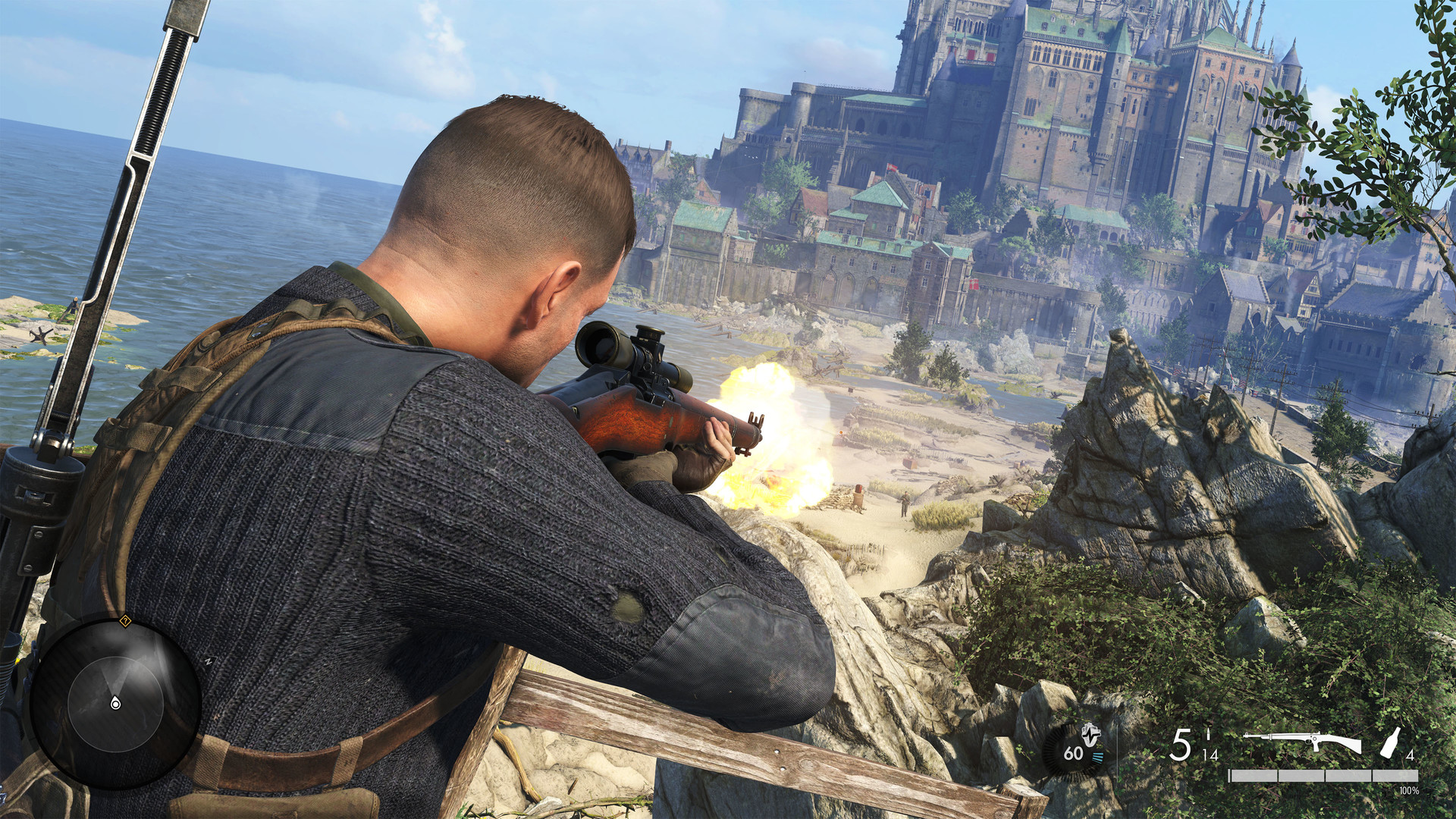
Discover the locations of all Kraken Awakes workbenches in Sniper Elite 5. Upgrade your arsenal and gain a tactical advantage in this thrilling shooter game.
Learn the best strategies and tips to acquire Hero Coins in Naraka Bladepoint. Boost your in-game progress and unlock exciting rewards with our comprehensive guide. Start earning Hero Coins like a pro today!
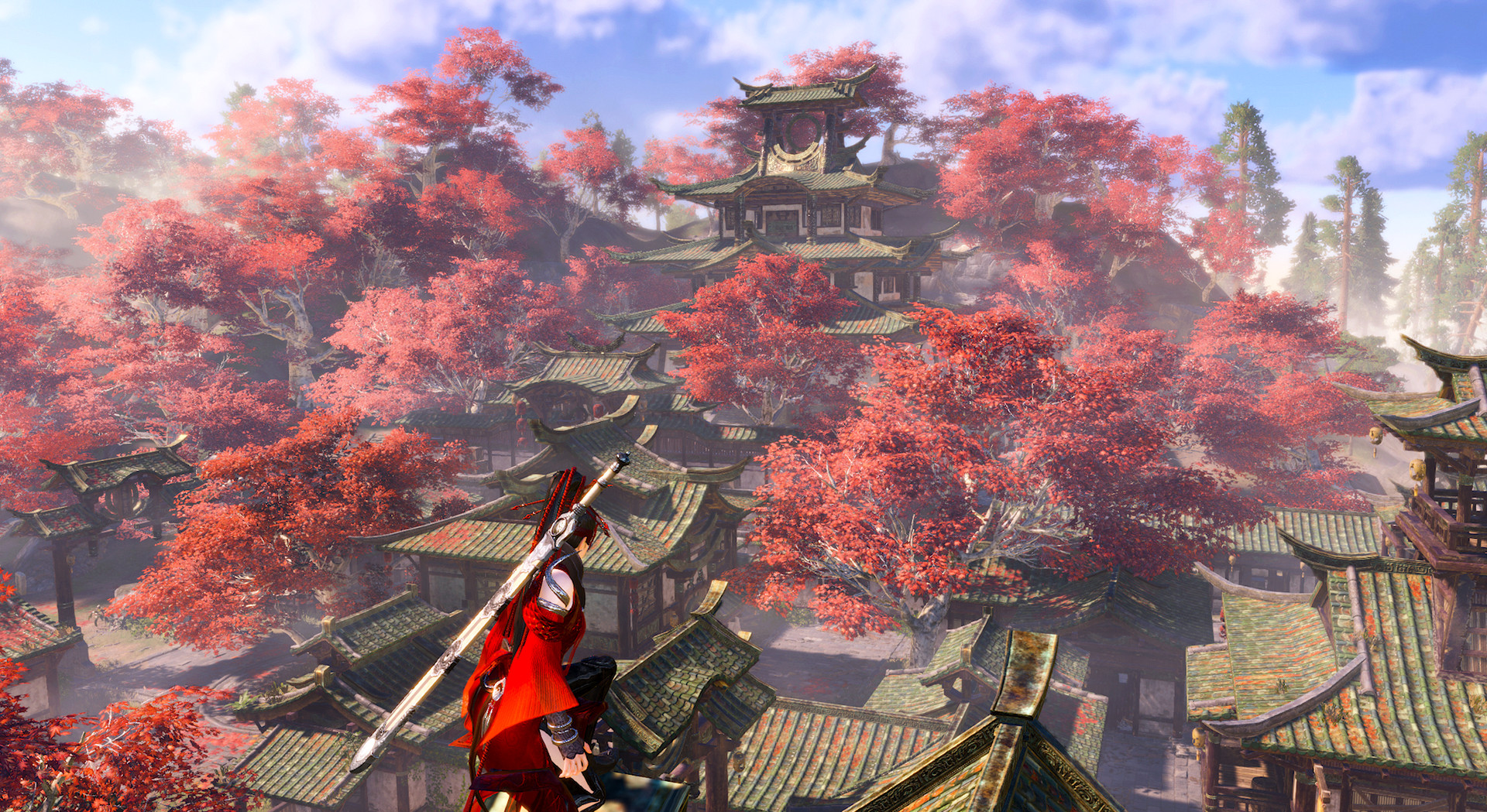
Learn how to add friends in Naraka Bladepoint and make your gaming experience even more enjoyable. Follow these simple steps and connect with your fellow players in no time.

Learn how to change sensitivity in Naraka Bladepoint and improve your gaming experience. Discover step-by-step instructions and tips to customize your sensitivity settings for optimal gameplay.

Learn how to bypass the tutorial in Naraka Bladepoint and jump straight into the action. Save time and get right into the game with our step-by-step guide.

Exploring the controversial topic of female censorship in Naraka Bladepoint, discover the impact and debates surrounding this issue in the gaming community.