

Release Date: 2024-07-11
Follow @x

Acer Commercial Electric Scooter Series 3 | Unboxing and Assembling Spot


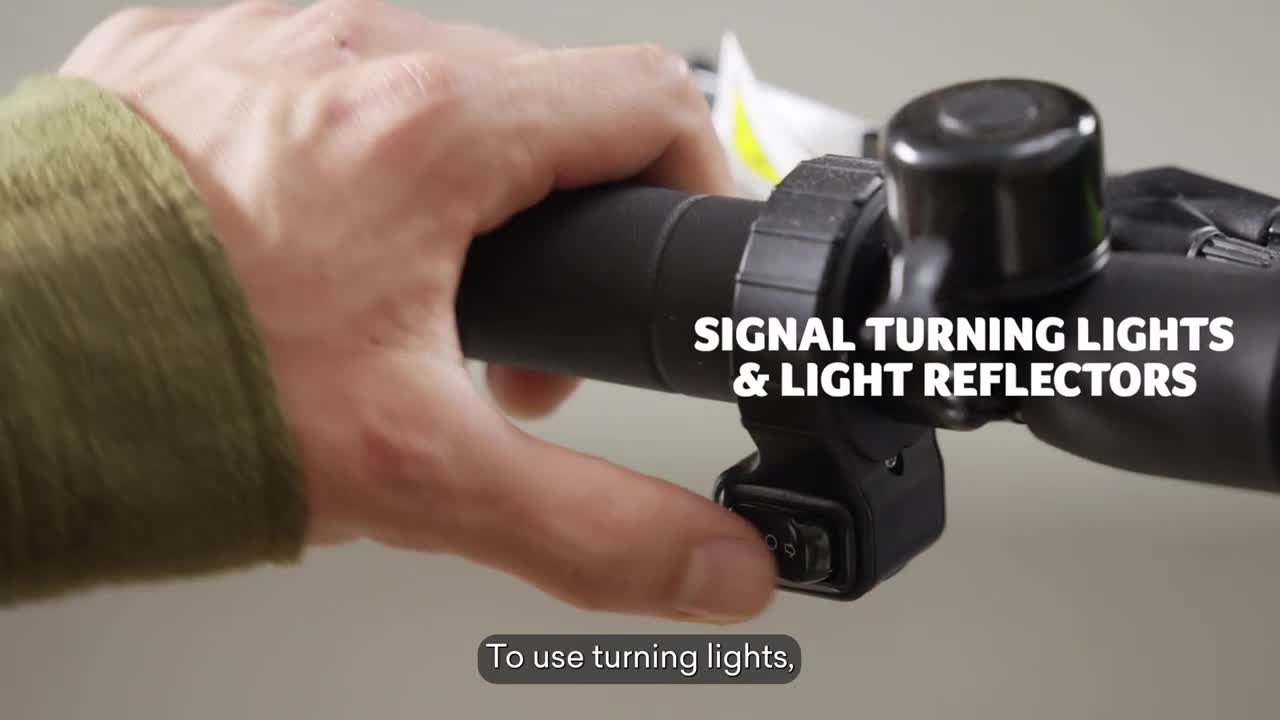
VIDEO Acer Electric Scooter Series 3 | Unboxing and Assembling TV commercial 2024 • Acer Electric Scooter Series 3 | Unboxing and Assembling In this video, we will show you how to assemble and use the 2024 Acer eScooter Series 3. A big name for equally big cool vibes. You’ll find everything in there: your next eScooter, a great set, the best actor, his fantastic moustache, a muffin and all the recommendations to drift the city the way it should be. Go get yours now (the eScooter, I mean. Oh well, and the muffin too). Learn More: https://www.acer.com/gb-en/emobility/... Stay connected: Facebook: https://www.facebook.com/Acer/ Instagram: https://www.instagram.com/acer/ Twitter: https://twitter.com/acer LinkedIn: https://www.linkedin.com/company/acer 0:00 [Music] 0:03 in this video we will show you how to 0:04 assemble and use the Acer electric 0:06 scooter Series 3 Advance For the First 0:09 Time In The Box you will find everything 0:12 except Nemo scooter body hexagonal 0:16 wrench and screws charger warranty 0:18 booklet and user manual remember to read 0:20 user's manual 0:22 [Music] 0:23 carefully not a fan of folding laundry 0:26 there is a thing you can unfold open the 0:29 kickstand lift up the front tube and 0:31 handlebar lock the folding lever insert 0:35 the connector to the front tube tighten 0:37 the screws on both sides of the pipe 0:39 with hexagonal key if you were born 0:42 ready your scooter is almost 0:45 there connect the charger to wall outlet 0:48 and its other end to the charging slot 0:50 under the stem on the side the charger 0:52 indicator is Reddit charging and green 0:54 at charging 0:57 complete press and hold power button for 0:59 for 3 seconds no need to hold it longer 1:03 to change the gear press the power 1:05 button twice to turn on head or tail 1:07 lights use the light switches on the 1:09 right side of the handle to use turning 1:12 lights press the switch on the left side 1:14 of the handle on speed mode one you have 1:17 the lights always on the display allows 1:20 you to monitor your gear speed power 1:22 level and light status we want to keep 1:25 you well 1:27 informed to start the ride put your foot 1:30 on the footstep and push the ground with 1:32 the other foot once the scooter moves 1:33 forward put the other foot on the 1:35 footstep and gradually push the 1:38 throttle to stop the scooter release the 1:41 accelerator lever while pressing brake 1:43 lever accordingly to vehicle speed to 1:46 turn off the scooter press and hold 1:48 power button for 3 1:51 seconds folding the scooter is a piece 1:53 of 1:55 cake press anti-ras button unlock the 1:58 folding lever when your scooter is 2:00 folded you can use the strap to carry it 2:02 anywhere to unfold it again follow the 2:05 same steps in reverse and it's still 2:08 will be a cake of 2:10 piece we want you to ride safe that's 2:13 why scooter has 8.5 in foam tires 2:17 remember to ride with caution and always 2:18 wear a helmet and in case it rains we 2:20 got you covered


Some articules for you
xboxplay.games
Copyright © 2024. All rights reserved.
abancommercials.com's Terms and Privacy Policy
Orlando, Florida, EEUU
facebook | pinterest