

Release Date: 2024-07-11
Follow @x

Acer Commercial Electric Scooter Series 1 | Unboxing and Assembling Spot


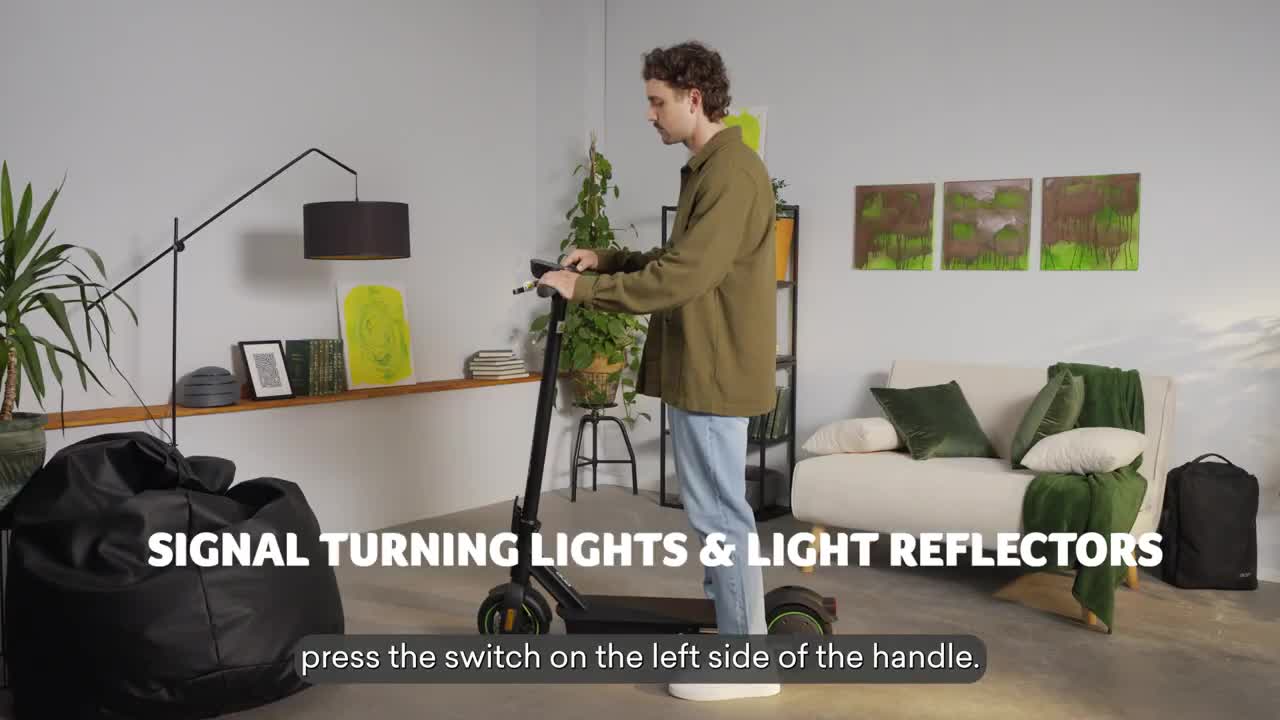
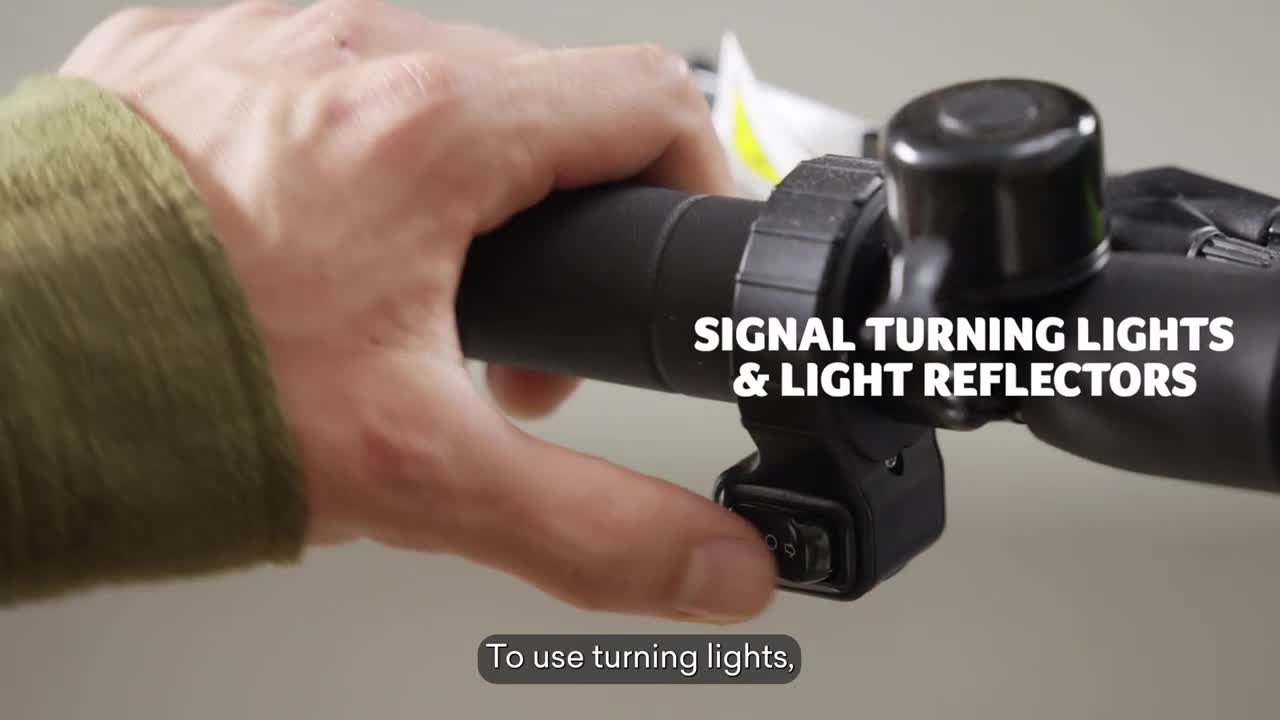
VIDEO Acer Electric Scooter Series 1 | Unboxing and Assembling TV commercial 2024 • Acer Electric Scooter Series 1 | Unboxing and Assembling In this video, you will find the 2024 Acer eScooter Series. You will also find a great deal of information on how to unbox it, how to assemble it, and how to look ultimately cool riding it. Because yes, this one is cruise to amuse. Go buy one now! Learn More: https://www.acer.com/gb-en/emobility/... Stay connected: Facebook: https://www.facebook.com/Acer/ Instagram: https://www.instagram.com/acer/ Twitter: https://twitter.com/acer LinkedIn: https://www.linkedin.com/company/acer 0:00 [Music] 0:03 in this video we will show you how to 0:04 assemble and use the Acer electric 0:06 scooter series one advance for the first 0:08 time now let's see if you have what it 0:11 takes in the Box you will find main 0:14 scooter body left and right handle set 0:16 with hexagonal Key charger warranty 0:19 booklet and user manual remember to read 0:22 users's manual carefully reading is good 0:24 for 0:26 you it's time for some scooter origami 0:30 pull and rotate the limit nut 90° right 0:32 or left to secure the screw in loose 0:34 State unfold the scooter by stepping on 0:36 the folding handle and pulling The 0:38 Handlebar away rotate the limit nut to 0:41 the close state to make the stem secure 0:43 once you hear the click the scooter is 0:45 fully unfolded twist handles into the 0:48 handlebar until there is no sign of 0:50 shaking come on you can handle 0:55 it connect the charger to wall outlet 0:58 and its other end to the charging slot 1:00 on the upper part of the stem the 1:02 charger indicator is red at charging and 1:04 green at charging complete complete 1:06 charging time is 3 hours just enough 1:09 minutes to watch this video 90 times 1:11 once the battery is fully charged always 1:14 remember to close the charging 1:16 slot make sure that the limit nut is in 1:19 closed State before every 1:21 ride press and hold power button for 3 1:24 seconds the scooter is now turned on the 1:27 scooter has three speed modes to choose 1:29 from to switch between speed modes press 1:32 the power button twice to turn on head 1:35 or tail lights use the light switches on 1:37 the right side of the handle in fact 1:39 there is no wrong side of 1:42 it to start the ride put your foot on 1:45 the footstep and push the ground with 1:47 the other foot once the scooter moves 1:49 forward put the other foot on the 1:51 footstep and gradually push the 1:54 throttle sometimes you will have to slow 1:57 down a bit to stop the scooter release 2:00 the accelerator lever while pressing 2:01 brake lever accordingly to vehicle speed 2:04 to turn off the scooter press and hold 2:06 the power button for 3 2:10 seconds pull out the limit nut and 2:13 rotate it to a loose State gently push 2:15 the stem forward while stepping on the 2:16 pedal fold the scooter the scooter is 2:19 easy to manage in lightweight only 12 kg 2:23 to unfold it again follow the same steps 2:25 in Reverse it is almost like traveling 2:28 back in time 2:31 we want you to ride safely that's why 2:33 the scooter has 8in flat tires in front 2:36 suspension remember to ride with caution 2:38 and always wear a helmet and in case it 2:40 rains we got you covered 2:43 [Music]


Some articules for you
xboxplay.games
Copyright © 2024. All rights reserved.
abancommercials.com's Terms and Privacy Policy
Orlando, Florida, EEUU
facebook | pinterest